The image editor Hollywood promised us

Science fiction has been demoing this for forty years. DepthField Photo makes it real.

Head Turner (AI)

Do you want to turn heads?

Need to adjust a pose? Head Turner lets you drag any head and it turns as you drag.

Depth Blur (free, local)

Refocus after the shot

Highlight your subject with depth-aware blur in just a few clicks, and adjust the sliders to get that creamy bokeh look.

Relight Scene (AI)

Move the light

Place and drag lights around your subject to relight the shot.

Room Lights (AI)

Switch on the lamps

Turn day into night and control individual light sources to relight any room.

Expression Matrix (AI)

Put a smile on every face

A feature so powerful that you may need consent to use it.

Sunrays (free, local)

Bend the Sun to your will

Change Color (free, local)

Pick a color, any color

Make exact and natural color changes including shadows, highlights, and fringes.

Straighten (free, local)

Rotate and crop on full auto

Automatically detects and fixes a tilted horizon or leaning architecture.

Face Retouching (free, local)

Put your best face forward

Simple and effective portrait retouching, done in seconds.

Remove Object (AI)

Remove anything

Get rid of small imperfections with the free Heal tool, or use Remove Object to remove larger objects, including their shadows and reflections.
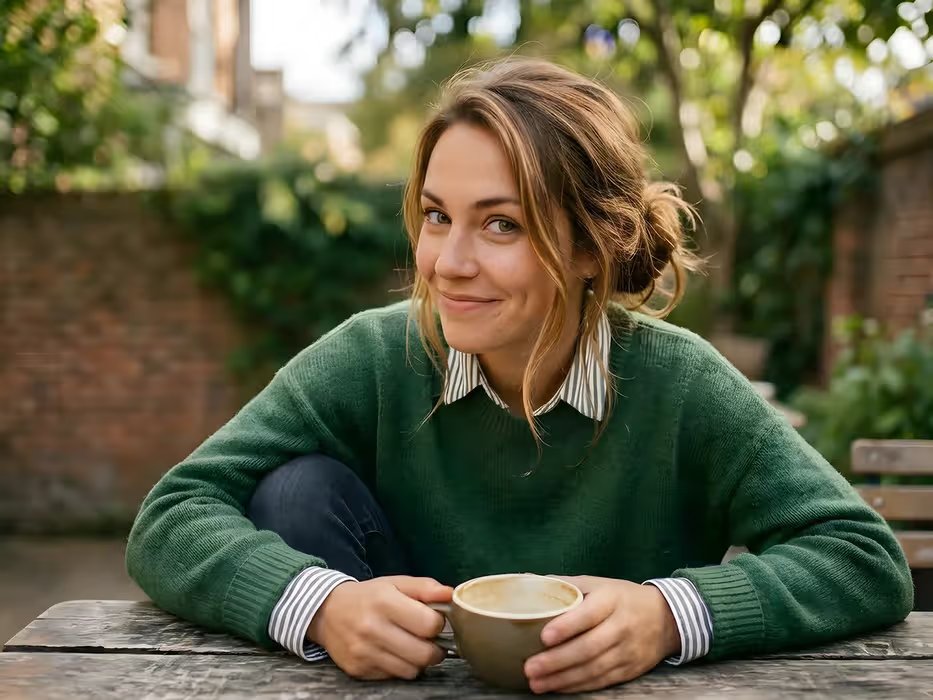
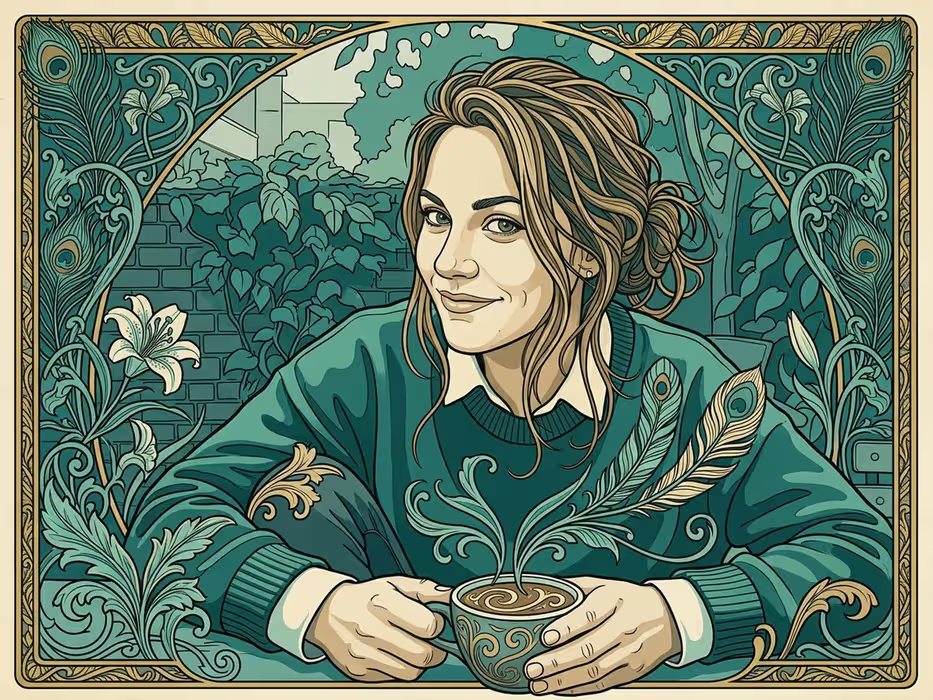
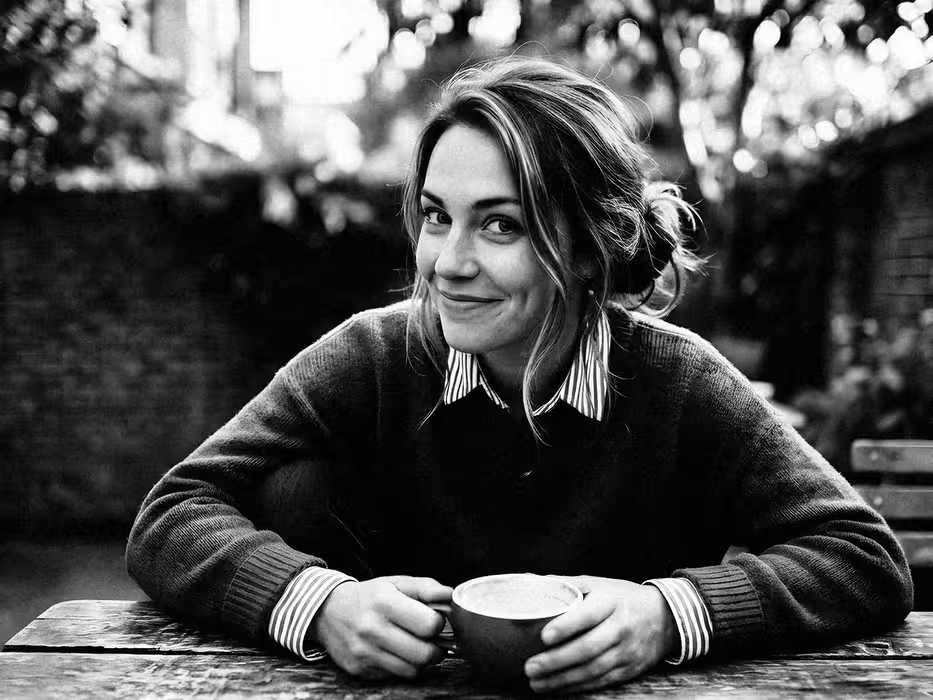
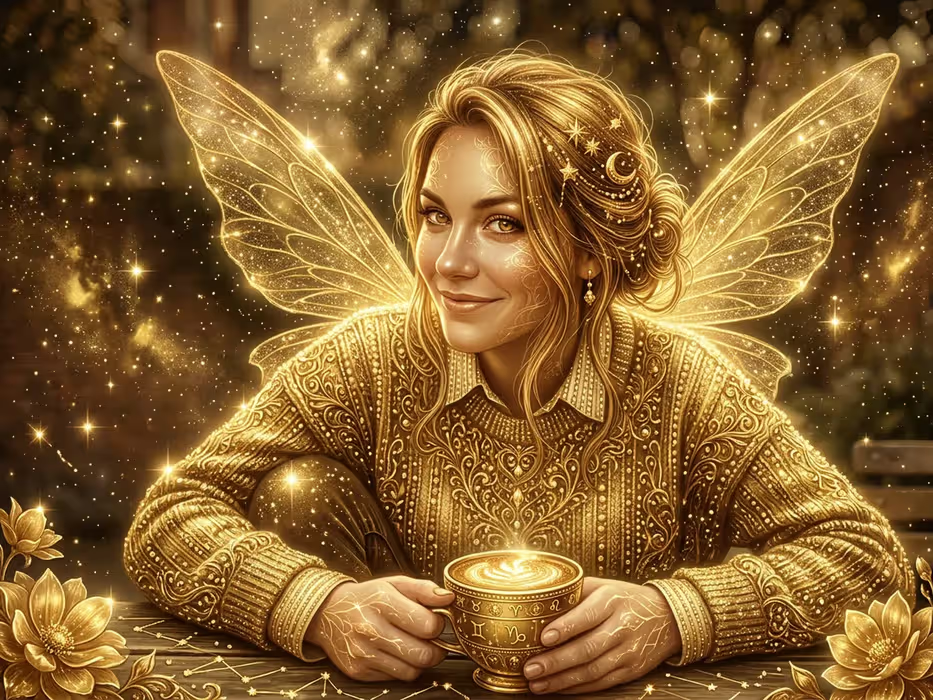
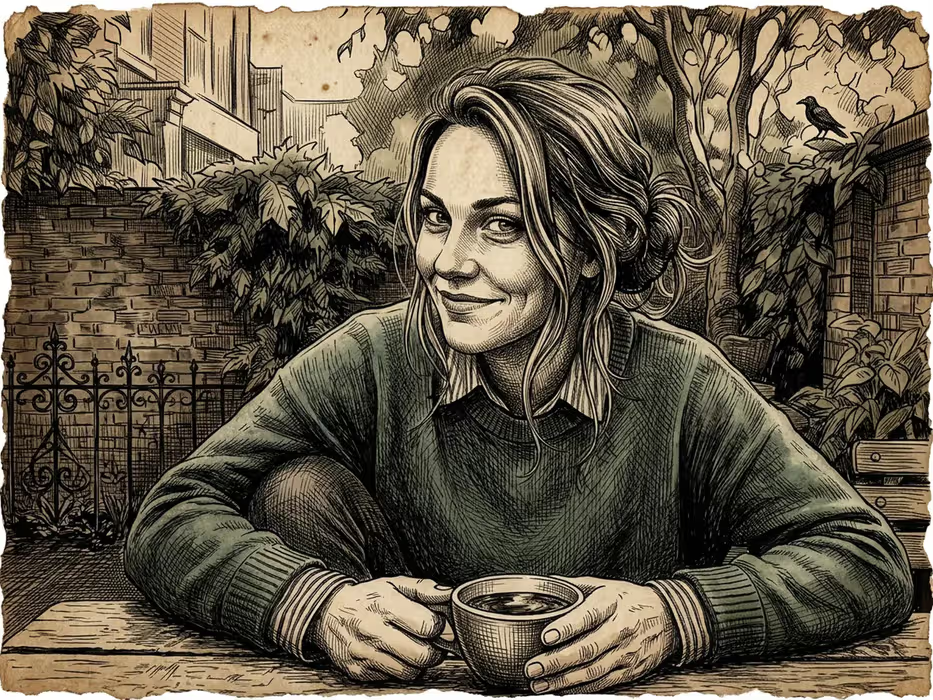
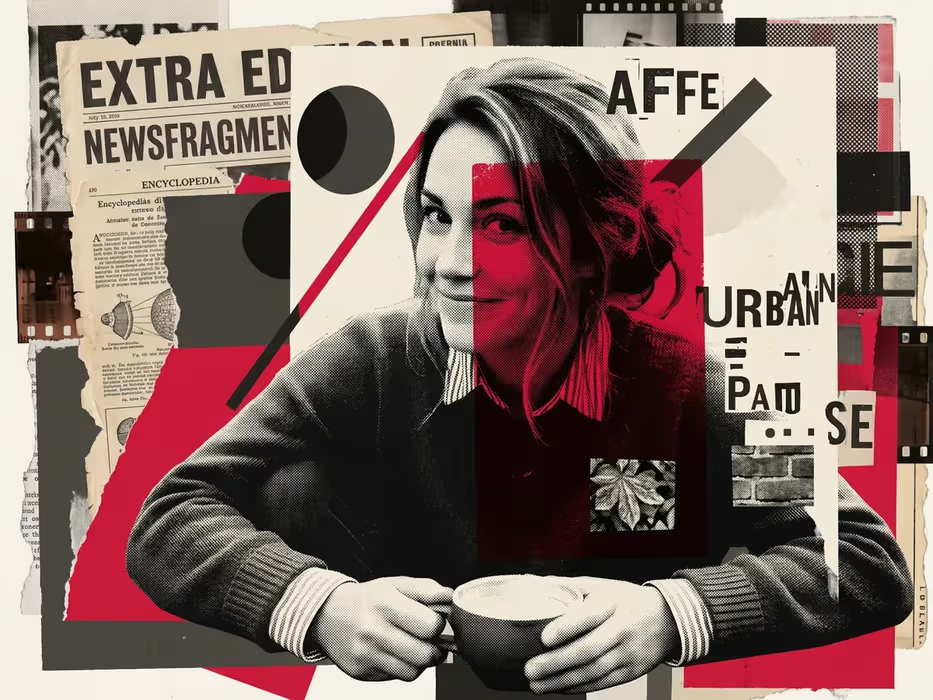
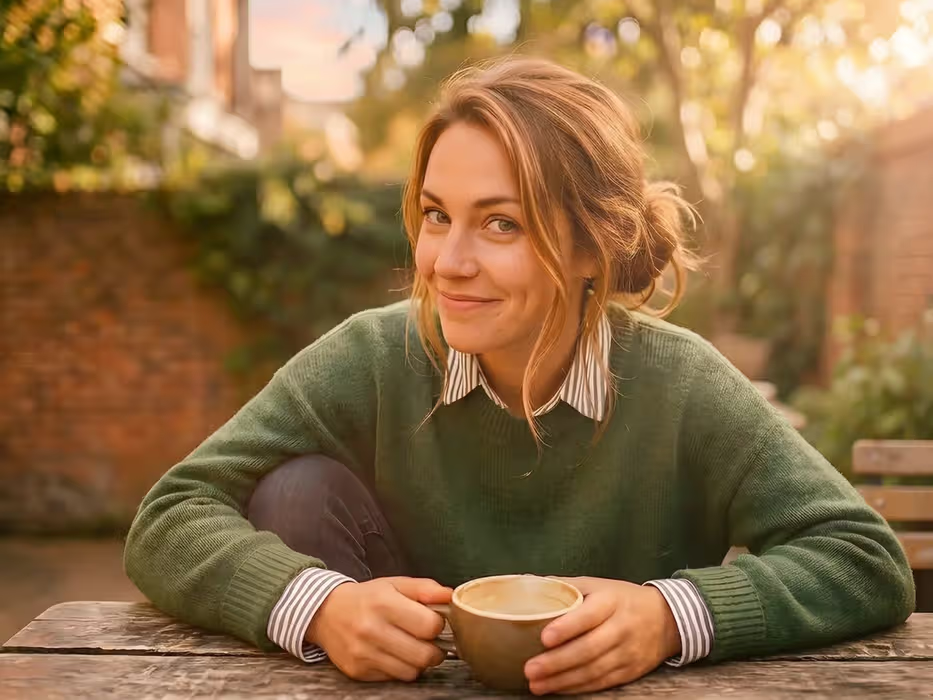
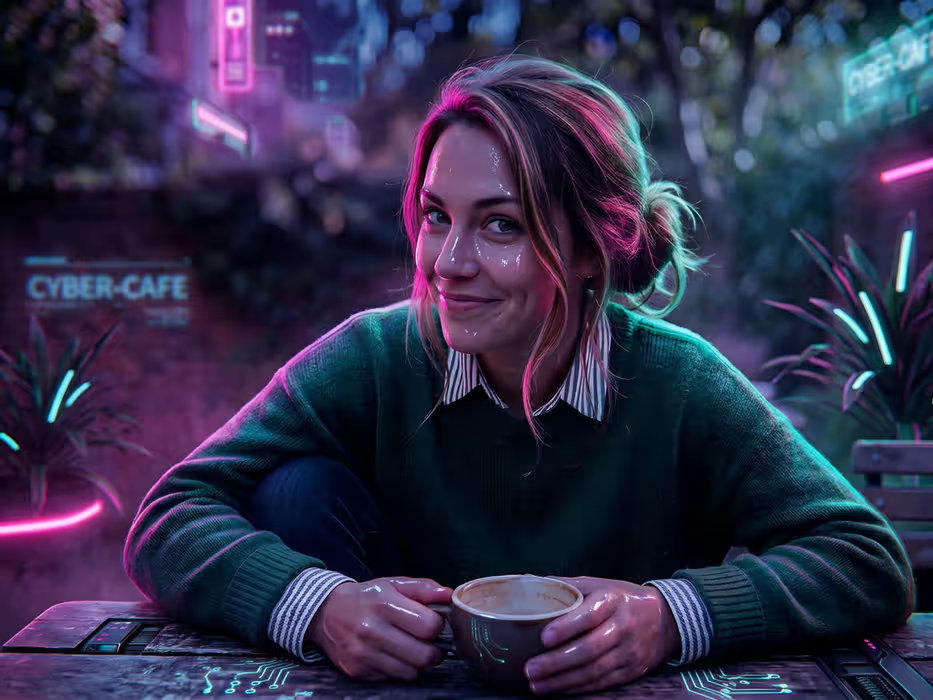
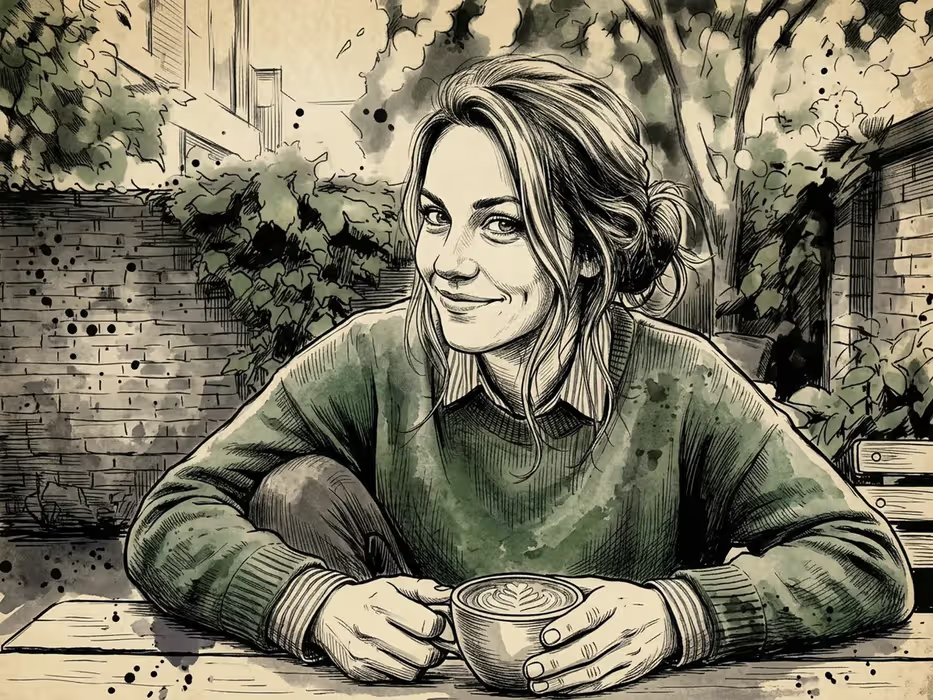
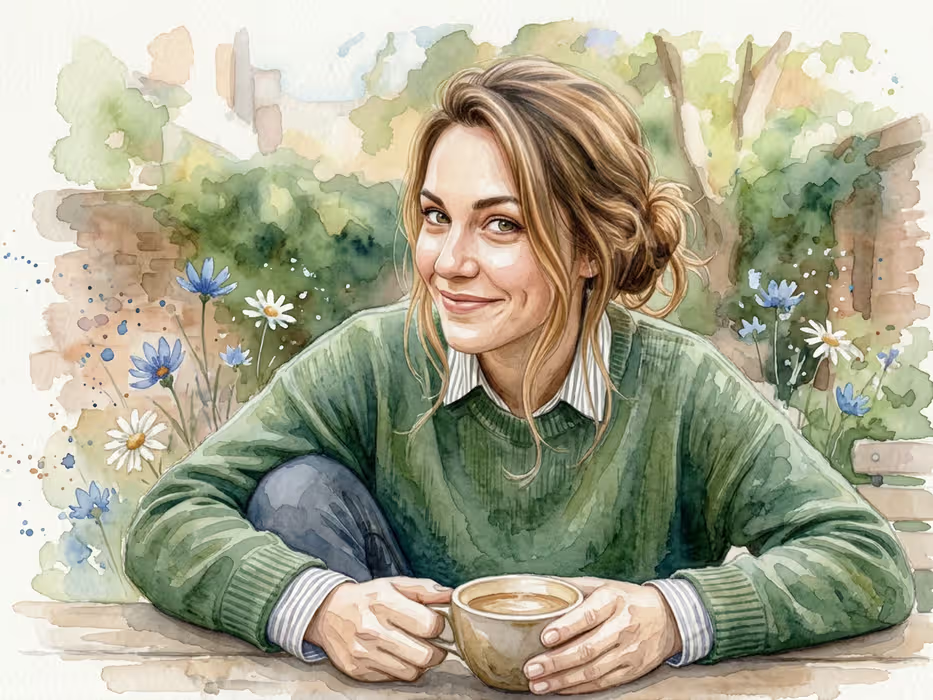
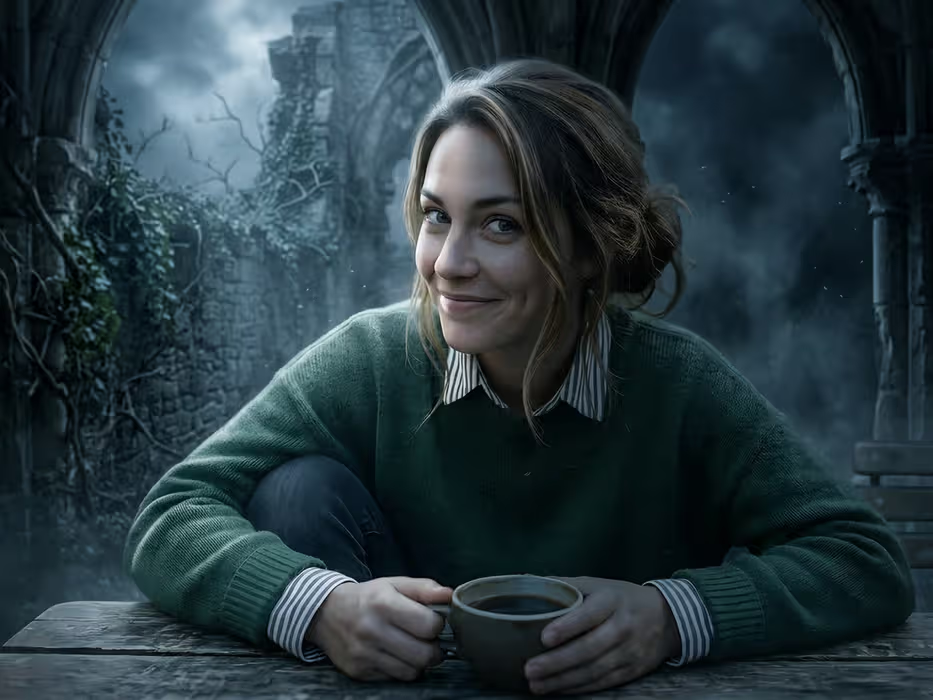
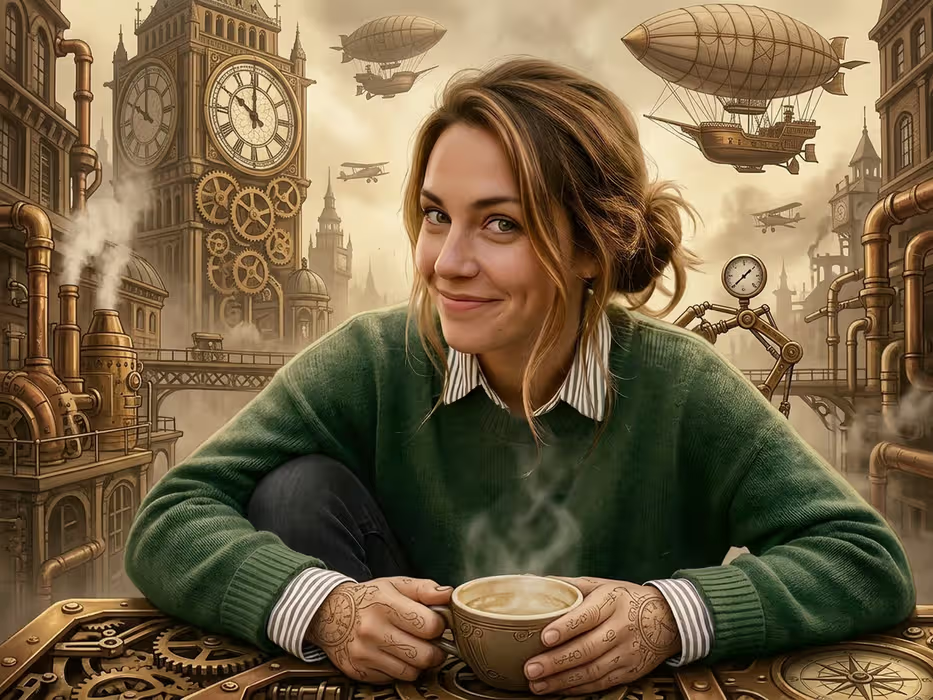
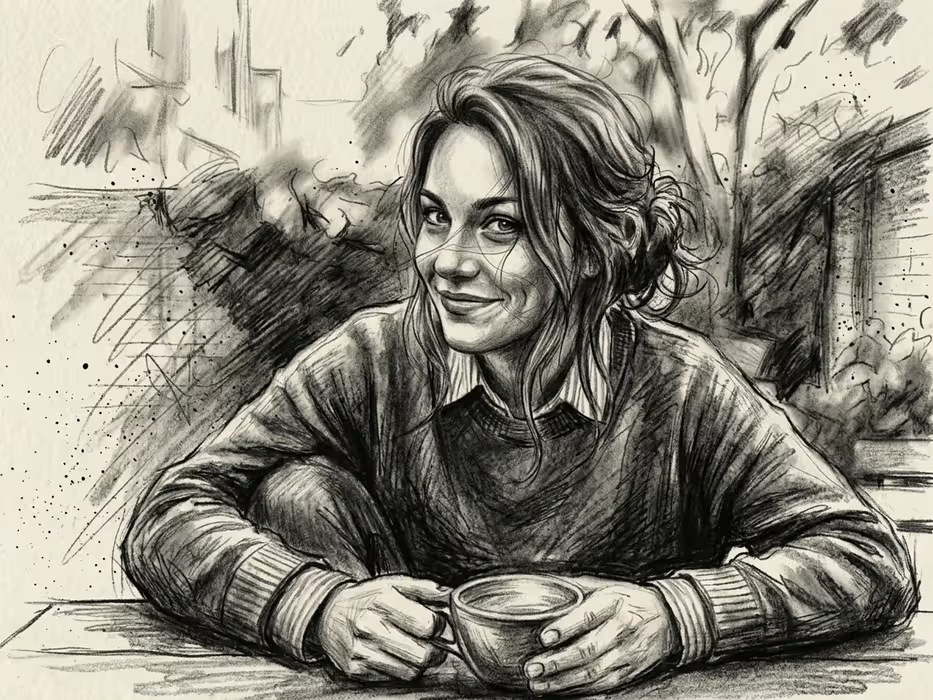
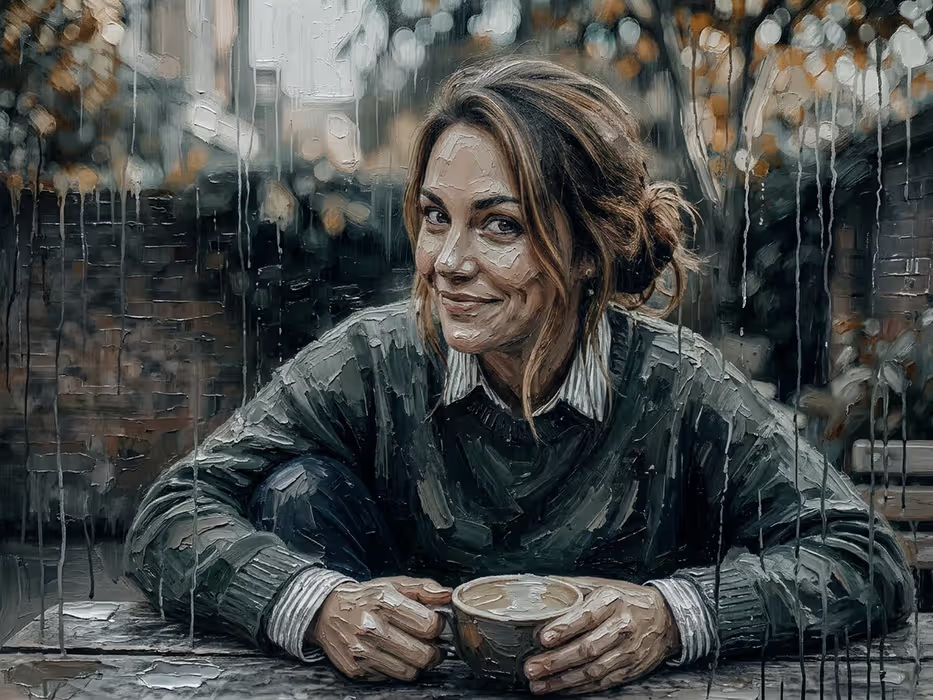
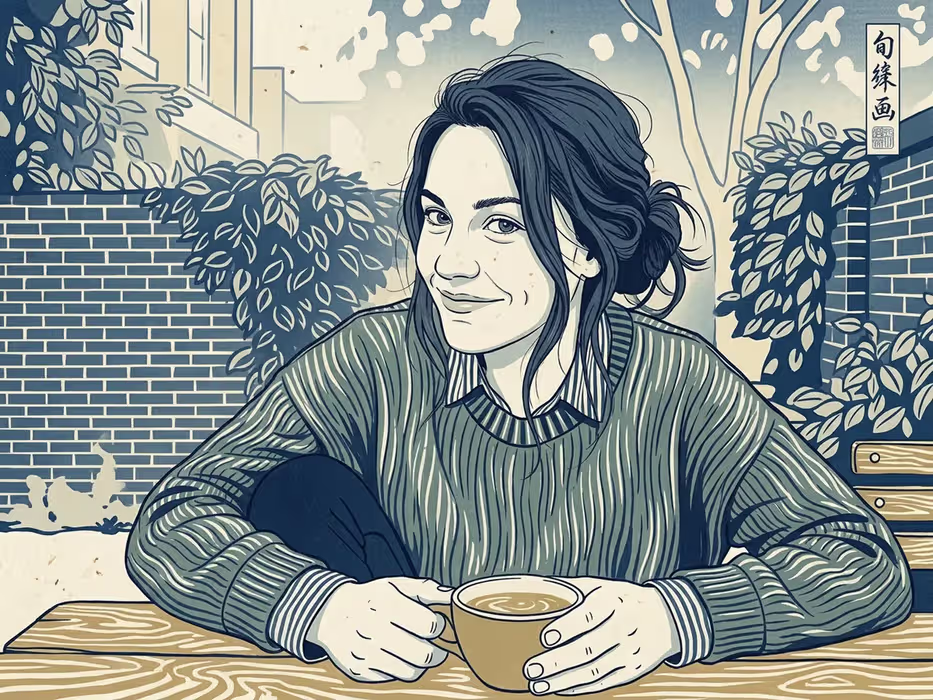
A woman with a coffee in a garden, then restyled as art nouveau, black and white, a golden fairy, an etching, a collage, golden hour, cyberpunk, ink, watercolor, gothic, steampunk, pencil, rain and a blue woodcut.

Styles (AI)

One photo, every look

Dozens of built-in Styles to pick from, both AI and classic filters, from watercolor to cyberpunk.
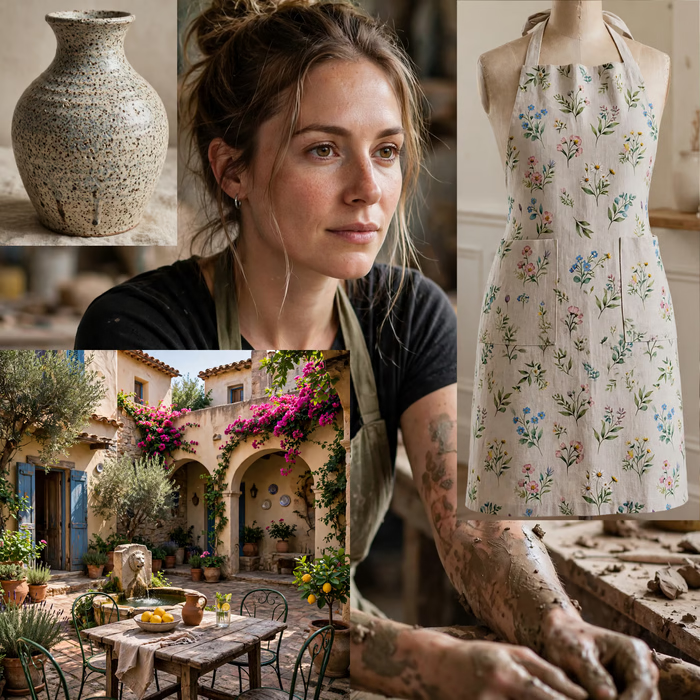
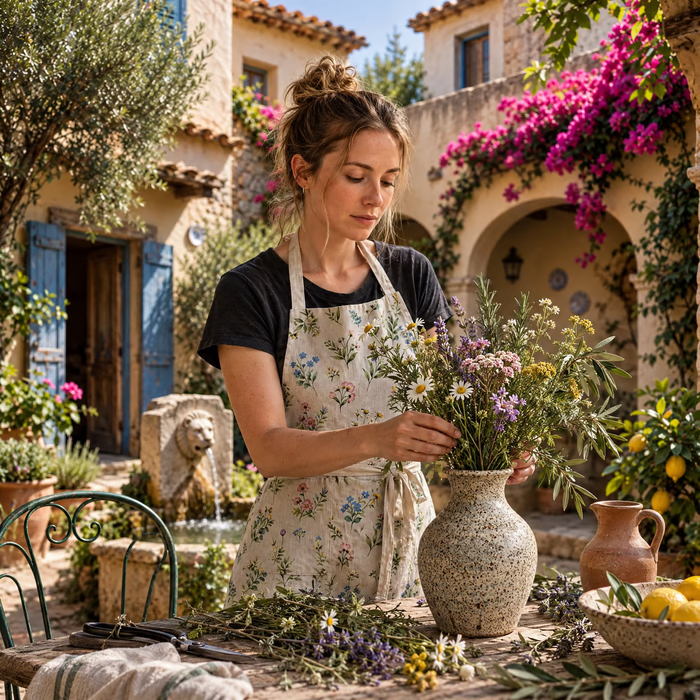
A collage of reference pictures: a woman, an apron and a garden. The woman from the references, in the apron, arranging flowers in the garden.

Multiple Reference Images (AI)

Cast your own scene

Start with a mood board, like a person, an outfit and a place, and get them back as one photo.

Video Loop (AI)

Make a still move

Turn a photo into a seamless looping video.

Feature list

DepthField Photo is the reverse mullet of image editors: In the front you get a sleek, friendly interface, but in the back you find a stable, high performance engine held to rigorous engineering standards. Party in the front, business in the back.

AI edits

  • Replace with AI (generative fill)
  • Generate Image, Generate Layer
  • Remove Object, with its shadows and reflections
  • Liftoff
  • Remove Background, Replace Background
  • Replace Sky
  • Extend Canvas (outpaint)
  • Aspect Ratio Reframe
  • Harmonize
  • AI Style Transfer
  • Video Loop (cinemagraph)
  • Declutter Room

Faces and people

  • Face Retouching: skin smoothing, blemish removal, dark-circle removal, tone evening, shine removal, eye color, eye clarity, eye whitening, red-eye removal, catchlights, lipstick, lip fullness, teeth whitening
  • Expression Matrix (dynamically change emotions)
  • Expression Catalog (transfer a facial expression from one face to another)
  • Head Turner
  • Frequency Separation
  • Face detection

Light and depth

  • Depth Blur (refocus, bokeh)
  • Relight Scene
  • Room Lights
  • Relight Depth
  • Sunrays
  • Fog
  • Miniature Effect (tilt-shift)
  • Light, Bloom, Graduated ND
  • Darken Sky, Dehaze, Clouds

Fix and restore

  • Supersharp (deblur)
  • Restore Photo
  • Upscale
  • Denoise, Reduce Noise
  • Fix Color Cast (Skin Tones), White Balance
  • Straighten (horizon, verticals)
  • Heal (spot healing)
  • Clone Stamp
  • Auto-Align Layers

Selections and masks

  • Object Select
  • Object recognition
  • Select Subject, Select Sky
  • Marquee, Lasso, Magic Wand, Selection Brush
  • Select by Color, Select by Depth
  • Select and Mask, Adjust Edge
  • Remove Edge Halo (defringe)
  • Layer masks, AI Mask, Depth Mask, Color Range Mask
  • Rounded Corners
  • Channels, Quick Mask
  • Selection to Path

Layers

  • Layers, groups, clipping masks
  • Live filters (non-destructive)
  • 25 blend modes
  • Layer effects (drop shadow, glow, stroke)
  • Exploded Layers
  • Undo history (1,000 steps)
  • Autosave, crash recovery
  • Open as Layers

Color and tone

  • Auto Light, Auto Contrast, Auto Color
  • Levels, Curves
  • Hue/Saturation, Vibrance, Color Balance
  • Image Colors
  • Change Color, Replace Color, Point Color
  • Black & White
  • Color Lookup (LUTs), Gradient Map
  • Threshold, Invert
  • Color picker: OKLCH, OKLab, HSL, CMYK, Hex
  • Eyedropper
  • Histogram, Waveform, Vectorscope
  • 16-bit color
  • Grayscale and CMYK modes, ICC profiles
  • Proof Colors (soft proofing)

Looks and effects

  • Styles
  • Templates
  • Film Grain, Vignette, Light Leak
  • Dust & Scratches, Paper Texture, Frames
  • Oil Paint, Pencil Sketch, Ink Outline
  • Halftone, Posterize, Diffuse
  • Vectorize
  • Color Palettes

Painting, text and shapes

  • Brushes, brush dynamics, pen pressure and tilt
  • Brush Designer
  • Watercolor and dry media brushes
  • Eraser, Gradient, Fill
  • Light & Color (dodge, burn and sponge)
  • Blur and Sharpen brushes
  • Path tool, Shapes
  • Combine Shapes (Union, Subtract, Intersect)
  • Text layers, Google Fonts
  • Dynamic Text (auto-fit typography)
  • Text on Path
  • Stroke, Solidify

Canvas

  • Crop, Rotate, Flip
  • Scan Page (a photo of a page or book to a flat scan)
  • Image Size, Canvas Size, Layer Size
  • Rulers, guides, grid, snapping

Help

  • Chat assistant (AI agent)
  • Suggested edits
  • Command search (⌘K)
  • Guided tour

Files

  • Open: PSD, PSB, AI, PDF, PNG, JPEG, TIFF, WebP, AVIF, HEIC, SVG, OpenRaster
  • Export: PSD, PNG, JPEG, TIFF, WebP, AVIF, SVG, OpenRaster
  • Animated export: MP4, WebM, GIF, WebP, AVIF
  • Import brushes: .abr (Photoshop), .kpp and .bundle (Krita), .gbr and .gih (GIMP)
  • Import palettes: .ase, .gpl, .pal, Lospec, or from an image
  • Import gradients: .grd (Photoshop)
  • Import LUTs: .cube
  • Import Styles and Templates
  • AI provenance, Content Credentials
  • Documented .dfp format